
In August 2022 I joined an international company with almost no English. I'd just come back from five years in Russia, where I'd spoken Russian nearly every day. In meetings I caught two or three words per sentence. If ChatGPT Voice had existed back then, I'd have opened it every night to practice.
And I'd probably have quit after a week.
You can practice English speaking with ChatGPT, and below I'll show you exactly how, with prompts you can copy. I'll also be straight about why so many learners hit a wall with ChatGPT Voice and Gemini, and how to tell when you're ready for them.
Full disclosure: I build Chamate, an AI app for practicing spoken English. I've used both ChatGPT Voice and Gemini to practice myself, and everything here comes from that experience.
Should You Practice English Speaking with ChatGPT?
Yes, once you understand almost everything a native speaker says. ChatGPT Voice and Gemini hold natural conversations, but they're built for fluent users: they talk fast, reply the moment you pause to think, and have no dedicated correction tools. Beginners and intermediate learners will get further, faster, with an AI built for learning.
The table below puts them side by side on the things that matter when you're practicing.
| ChatGPT Voice, Gemini | A learning-built app (e.g. Chamate) | |
|---|---|---|
| Speaking speed | Native pace. Ask it to slow down and it does, for a while | Set the AI's speed once and it stays there |
| When you hesitate | Treats the silence as your turn ending and replies | Tap to start talking, tap again to send. It waits |
| Vocabulary and grammar level | Depends on your prompt, drifts back to its natural level | Pick a level from A1 to C2 and it sticks to matching words, tenses and structures |
| Grammar correction | Only if you ask, and inconsistently | Corrects you while you speak |
| Replay for shadowing | Not designed for it | Replay any AI line, and your own voice |
| Looking up a word mid-conversation | You have to stop and ask | Look it up on the spot, saved to a review collection |
| Best for | Fluent speakers who want to chat or look things up | Learners from beginner to intermediate |
How to Practice English Speaking with ChatGPT in 5 Steps
If you want to try ChatGPT first (worth doing, and the free version is enough to start), this is the setup I'd use. Each step includes the thing that usually goes wrong.
Step 1: Use voice mode on your phone
Install the ChatGPT app, sign in, and tap the voice icon next to the message box. The phone app beats the web version because you can practice while walking or doing the dishes.
What goes wrong: background noise makes the AI mishear you and answer something you never said. Earphones with a mic fix most of it.
Step 2: Tell it your level in the first sentence
Don't just start talking. Open with your level and how you want it to speak:
“I'm learning English and my level is about A2. Please speak slowly, use short sentences and everyday words. Ask me one question at a time.”
Paste that into Custom instructions in ChatGPT's settings so you don't have to repeat it every session.
What goes wrong: after a few turns the speed and difficulty creep back up. When you feel lost, say “Please slow down and use simpler words” to pull it back.
Step 3: Pick a narrow situation
“Let's talk in English” runs dry in about four sentences. A specific situation is much easier: what you did yesterday, ordering at a café, explaining your job. Stuck for ideas? Grab one from these English conversation topics for beginners.
For role-play, try:
“Let's role-play. You are a barista in a coffee shop in London. I'm a customer. Start the conversation.”
Step 4: Ask for corrections, but not all of them
Ask it to fix every mistake and each sentence you say turns into a grammar lecture. The conversation dies right there. What worked better for me was asking for the single biggest mistake:
“After each of my answers, correct only my biggest mistake in one short sentence, then continue the conversation.”
What goes wrong: in voice mode, corrections fly past and you forget them. Afterwards, open the text transcript and read back what got corrected.
Step 5: Keep sessions short and daily
Fifteen minutes a day beats a two-hour session on Sunday. I've broken down how to structure that in how to practice English speaking with AI in 15 minutes a day, and it works with ChatGPT too.
Why Learners Get Frustrated with ChatGPT Voice and Gemini
To be fair, ChatGPT Voice and Gemini aren't bad. They're good enough that people use them every day to vent or look things up. They're just built for people who already speak well, and behavior that makes sense for fluent users gets in a learner's way.
They talk fast, and drift back to fast
Their default pace is natural conversation: a fifteen-word sentence with every word linked to the next. A beginner catches a handful of them. I asked it to slow down. It did for a few sentences, then sped right back up, because a request made mid-chat doesn't stick like a setting does.
When I started that job, I understood two or three words per sentence. At that level, a fast AI just teaches you to nod along. And nodding along teaches you nothing.
They reply the moment you pause
Learners talk like this: “Yesterday I… um… go… went to…”. That pause is your brain hunting for the word and the tense. Voice chat in ChatGPT and Gemini reads the silence as the end of your turn and answers. Your half-built sentence is gone, and next time you're a little more reluctant to speak.
For a fluent speaker, replying fast is the right call. A partner who waits five seconds before answering feels strange. But a learner needs exactly those five seconds.
No learning tools inside the conversation
When I practice I keep needing small things: where my last sentence went wrong, a replay of what the AI just said so I can shadow it, a quick lookup of a new word without stopping, and somewhere to save that word for later. ChatGPT and Gemini don't have tools for any of that. You can get there by leaving voice mode and typing a question, but by then the conversation has lost its momentum.
The 96% Test: When Is ChatGPT Voice Right for You?
This is a rule of thumb from my own experience, not a research figure: if you understand more than 96% of what native speakers say and you already talk comfortably every day, ChatGPT Voice or Gemini makes a great conversation partner. At that point natural speed is exactly what you need to get used to, and you're not stopping mid-sentence anymore.
A quick check: put on an English interview or podcast with subtitles off and listen for five minutes. If you're guessing the meaning more often than following each sentence, you're not there yet. That's fine. Most learners are right there with you.
I was there too. I studied vocabulary and grammar from books, watched films and YouTube, shadowed on my own. My vocabulary grew and my pronunciation got clearer, but with colleagues I still couldn't get words out. Everything I knew sat in separate pieces that wouldn't connect. If that sounds familiar, read why vocabulary and grammar freeze when you speak English.
What changed it was real conversation, often: a few friends at work, a friend who teaches English, English clubs on weekends. About two months later my reactions were noticeably faster.
What an AI Built for Learners Does Differently
When I started building Chamate, the question was simple: if you can't speak English yet, where do you find people to speak English with? One-on-one tutors are expensive. Strangers online take scheduling, emotional energy, and aren't always safe. AI solves most of that, as long as it's built for learners.
Here's what Chamate does differently from a general voice assistant:
- Tap to start talking, tap again to send. Pause as long as you need to think and the AI won't cut in.
- Set the AI's speaking speed and it stays at that speed for the whole session.
- Choose a level from A1 to C2. The AI keeps its vocabulary, tenses and sentence structures at that level from start to finish.
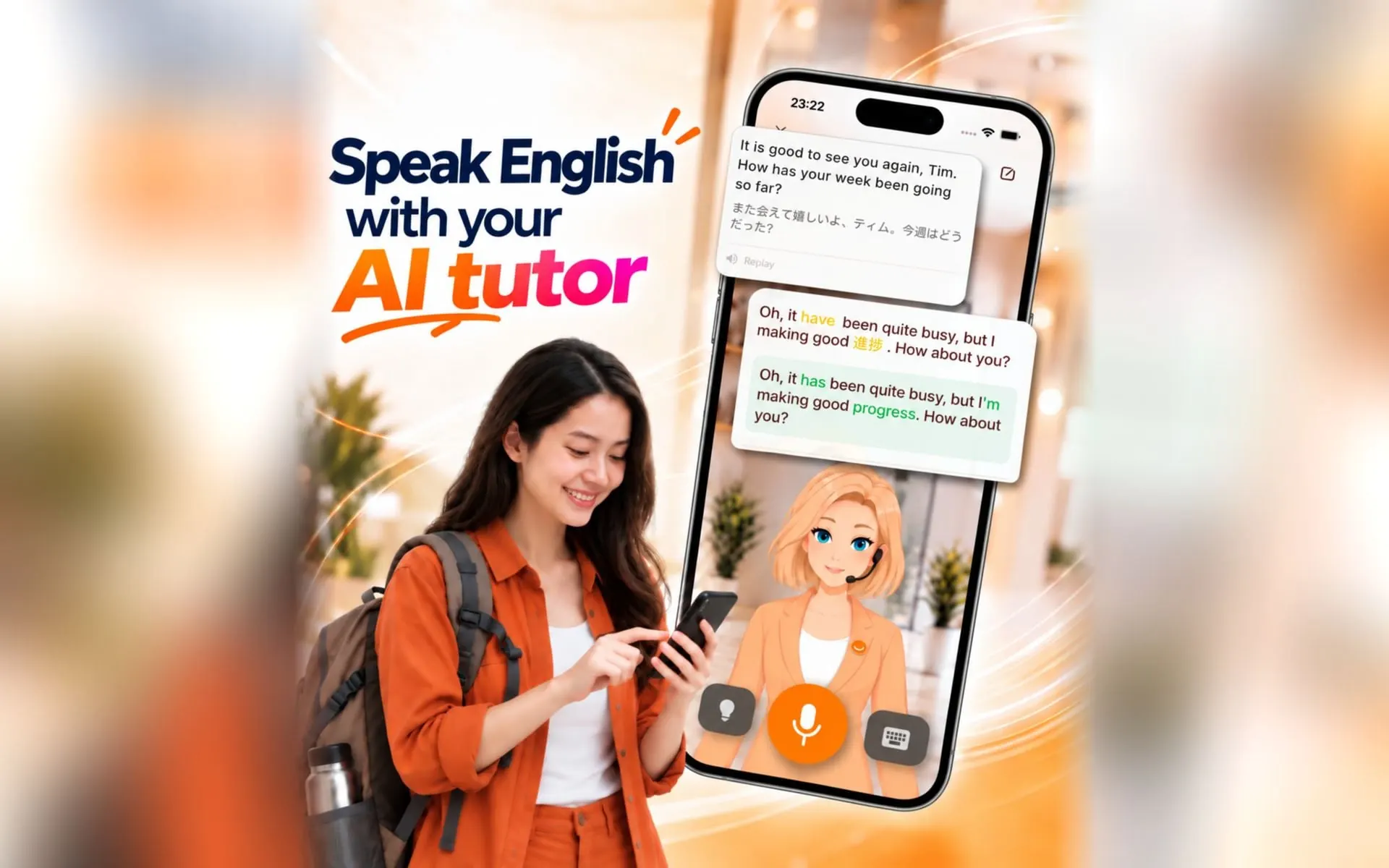
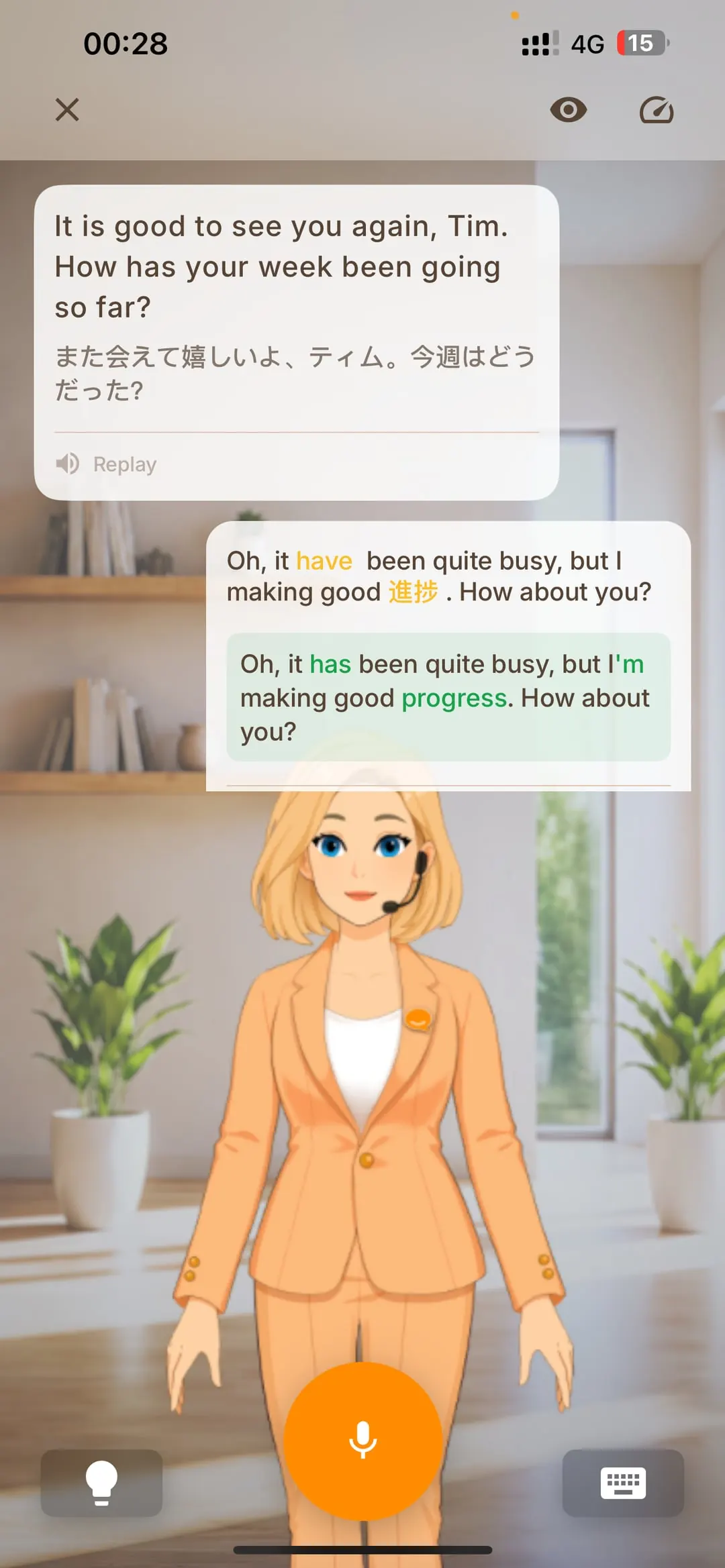
- Grammar corrections while you speak.
- Replay any line the AI said to shadow it, and replay your own voice to compare.
- Stuck on a word? Say it in your native language and Chamate suggests the English. Every word you look up goes into a collection you can review with games or keep on your home screen and lock screen with a widget.
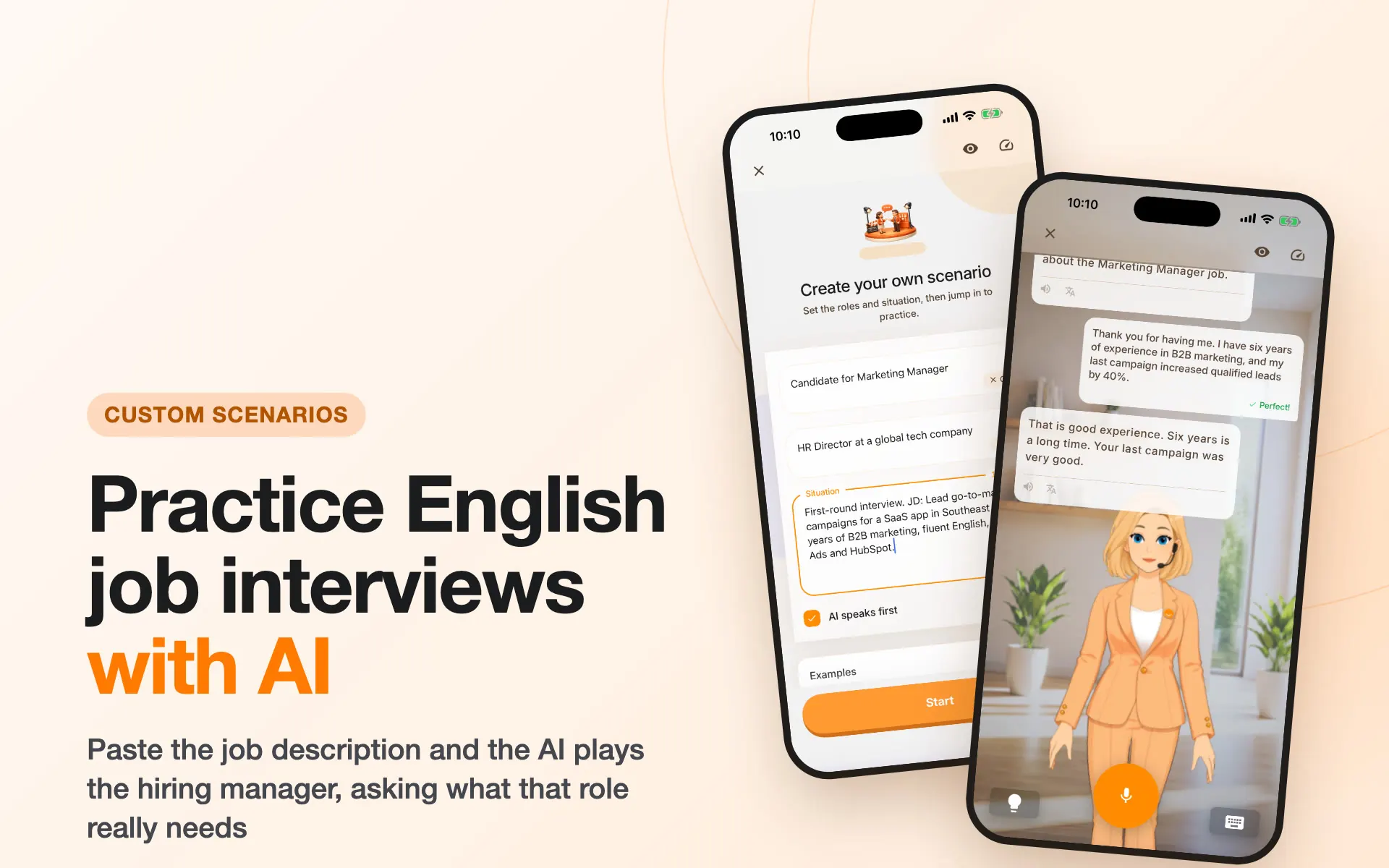
- Three practice modes: Journey for daily topics, Freetalk for anything, and Rehearsal for scripting a real situation, like pasting in a job description to practice the interview.
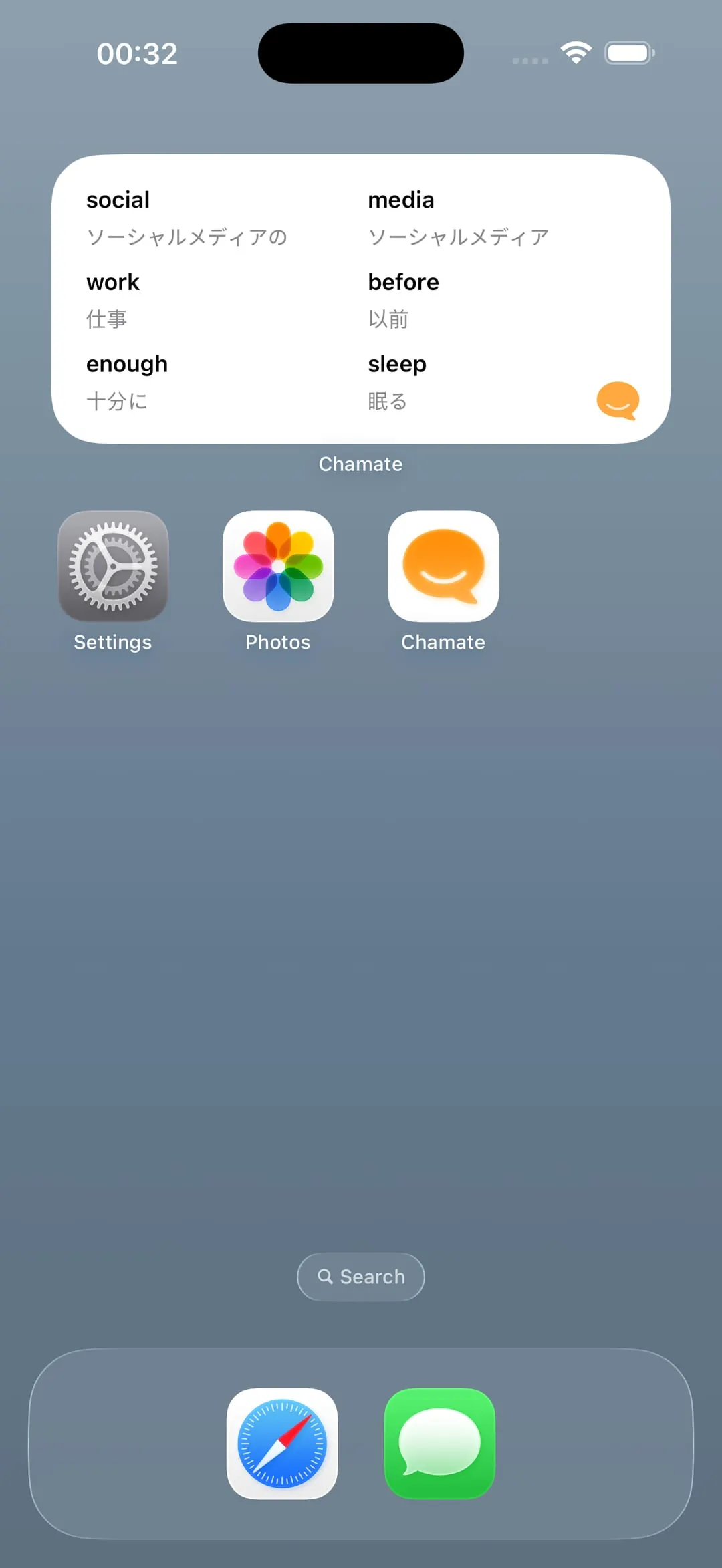
The full list is on the Chamate features page. If you're weighing several apps, what is the best English speaking practice app compares the popular options.
The Path I'd Suggest
- You catch little and pause a lot: practice with an app built for learners, slow speed, lower level, 10–15 minutes a day.
- You can follow normal conversation: raise the speed and level, and add ChatGPT Voice or Gemini to get used to real pace.
- You feel confident: find real people. English clubs, coworkers, friends abroad.
My personal take is that talking to AI today feels about 90% as natural as talking to a person. That's plenty for building reflexes and confidence. But AI is the stepping stone. The goal is still talking with people.
I honestly can't tell you when I became good at English. It didn't arrive as a jump from “not fluent” to “fluent”. It looked more like a line on a chart that kept climbing, as long as I spoke every day.